Choosing a look
Switch BlockLot between three designs — Brief, Terminal and Atlas. The pages and the data stay the same; only the look changes.
BlockLot comes in three designs, so you can read it the way that suits you. A design changes colors, type and density. It never changes what a page contains or what your plan lets you see: every page, every card and every number is the same in all three.
The three looks
- B — Brief is the standard look: light and calm, like a research publication. It is what you see until you choose another.
- A — Terminal is dark and dense, for professionals who keep BlockLot open all day and want more on the screen at once.
- C — Atlas is map-inspired, with a street-grid styling suited to browsing neighborhoods. It is a look, not a different layout: the property page's map appears in every design.
Switching
- Click Design at the right end of the header. It shows the letter of the design you are using, for example Design: B.
- The menu Try a different design lists the three looks, each with a one-line description. The one you are using is highlighted.
- Click a design. The page you were on reloads in the new look.
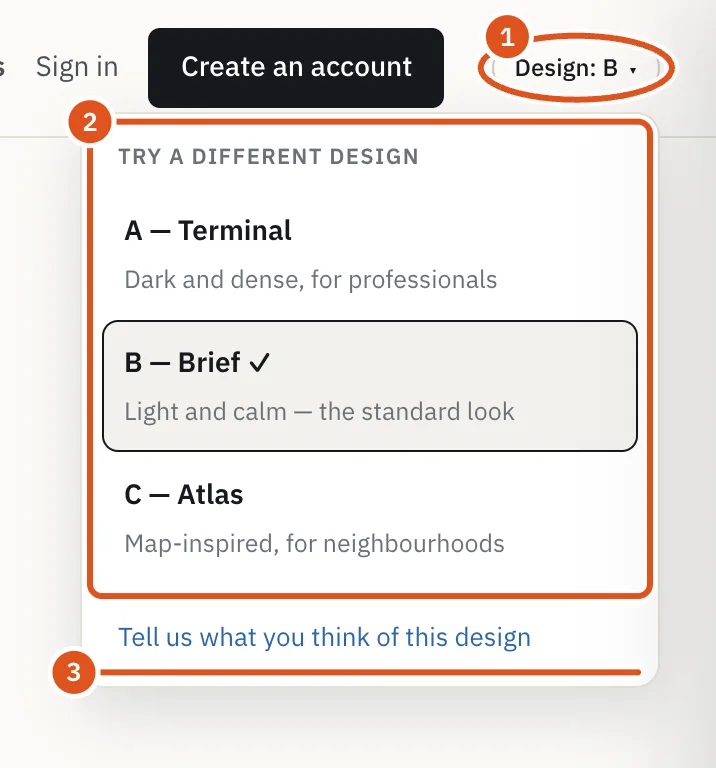
- Opens the menu
- The three looks
- Send feedback
You do not need an account to switch. Your choice is remembered in this browser for a year, so it applies to every page you open here. It does not follow you to another browser or device: choose again there if you want the same look.
Telling us what you think
The three designs are live so that people can compare them on real work. The last line of the menu, Tell us what you think of this design, opens an e-mail to the BlockLot team with the design's name already in the subject. Tell us what works and what gets in your way.
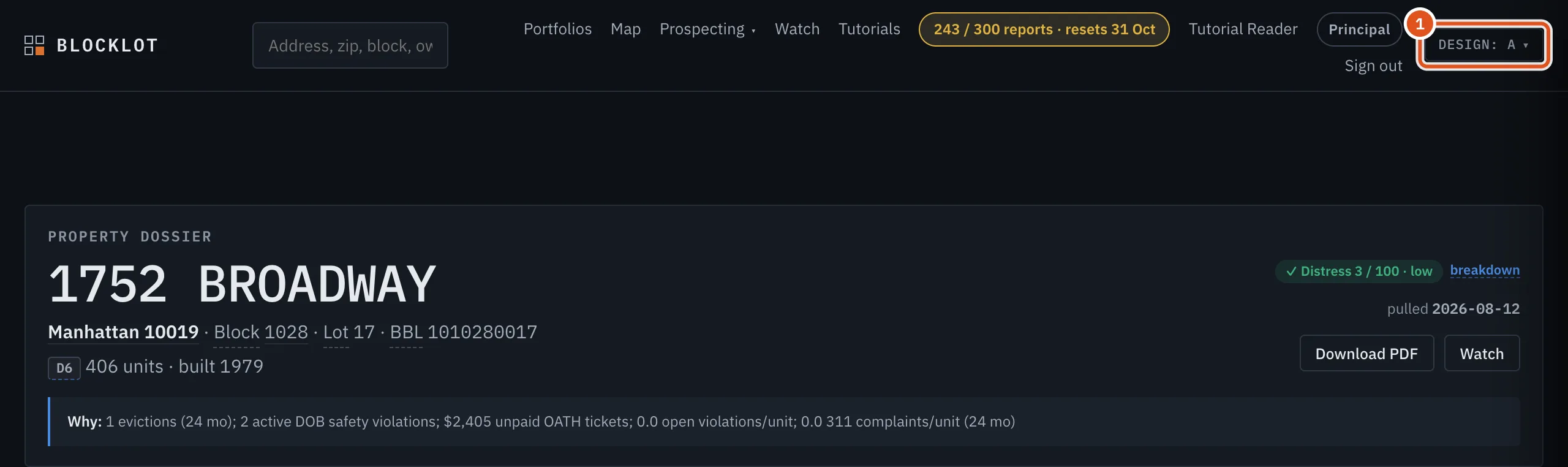
- Current design
Tips
- Printing a page leaves out the design menu, whichever look you are using.
- The PDF report has its own fixed layout and is not affected by the design you choose.